
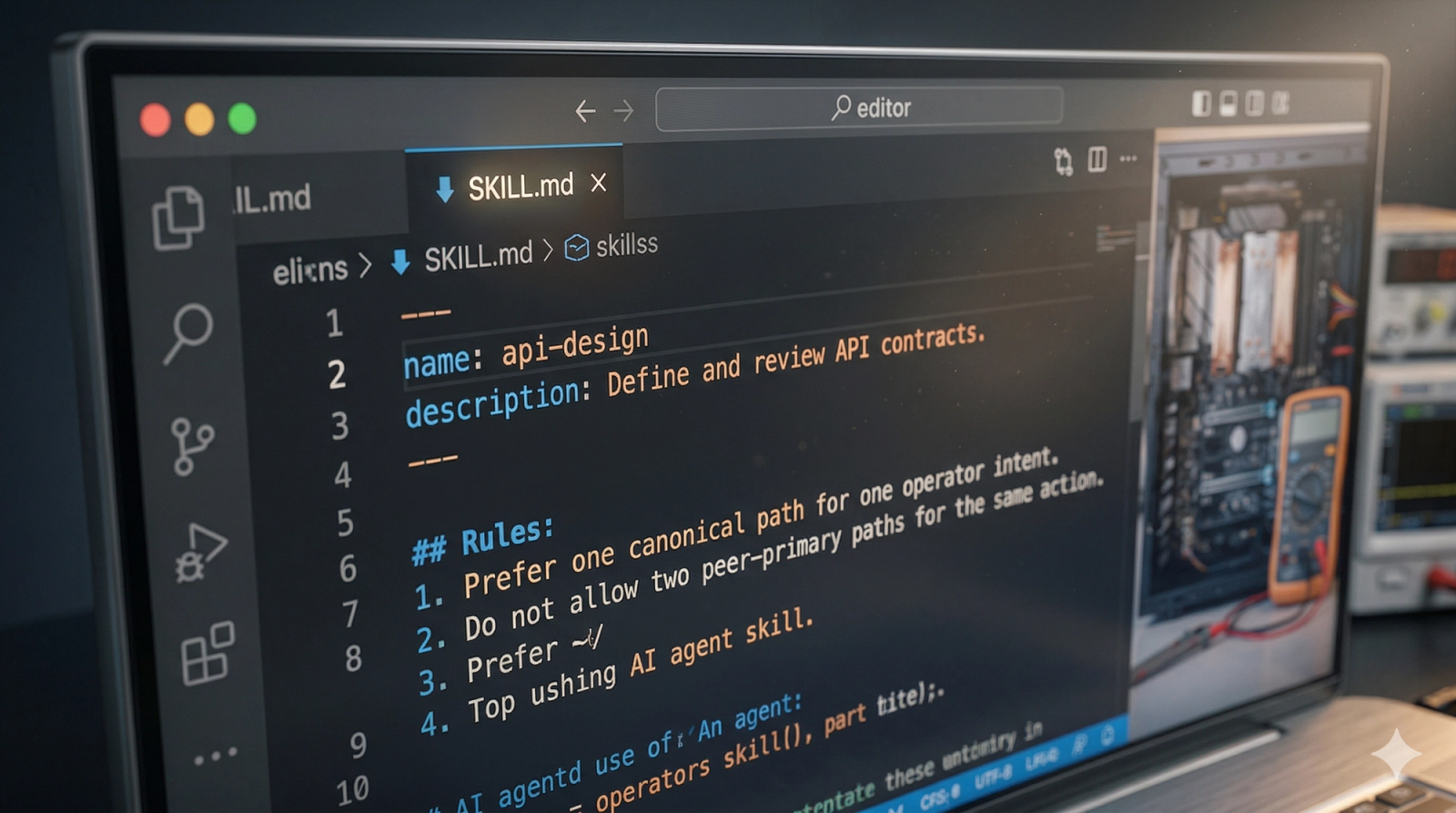
This article is a live end-to-end test. The content starts in Notion, the sync converts each supported component into a Sanity block, and the shared article renderer displays those blocks with the same visual language used on /demo.
The point is not just to prove that the parser works. The point is to show that Notion can act as the editorial source of truth for rich article components without manual Sanity enrichment after sync.
Why a strict grammar matters
Loose prose is easy to write but hard to translate safely. A strict Notion grammar turns authoring into structured input instead of guesswork.
Use emoji-led component markers only when the section genuinely deserves a component. The grammar should reduce ambiguity, not replace good editorial judgment.
If editors invent multiple formats for the same component, the sync becomes fragile again. One component should have one sanctioned Notion syntax.
If a manual body image also remains in imageSlots, the article can render the same asset twice. Manual placement and deterministic slots must stay mutually exclusive.
Data, process, and decision blocks
A strict grammar reduces downstream cleanup because the sync writes the final block shape directly.
- 01Define the section goal
Decide whether prose alone is enough or whether the section needs a structured block.
- 02Choose the correct marker
Use the sanctioned Notion grammar for CTA, pricing, related links, quotes, or author notes.
- 03Preview the output
Sync the page and compare the result against /demo before treating the pattern as production-safe.
- Writers stay in one tool
- Sync becomes the translation boundary
- Schema validation happens downstream
- Grammar must stay strict
- Editors need examples
- Unsupported ad hoc patterns still fall back to prose
The grammar exists so the renderer can trust the data shape. This is what lets the site enforce parity instead of handling every article as a special case.
Once the page lands in Sanity as normalized blocks, every article uses the same renderer and the same mobile behavior. The parser does the translation work; the page template does the presentation work.
{
  "component": "ctaBlock",
  "variant": "newsletter",
  "headline": "Get weekly automation playbooks",
  "buttonText": "Subscribe free"
}| Criteria | Notion Grammar | Sanity Schema | Renderer Parity |
|---|---|---|---|
| CTA blocks | 📣 key/value callout | ctaBlock | Matches /demo CTA cards |
| Pricing tables | 💸 tier groups split by --- | pricingTable | Matches /demo pricing layout |
| Related links | 🔗 title + href fields | relatedArticle | Matches /demo related article cards |
| Freeform images | [manual] image caption | image + placementMode | Stays inline in article body |
CTA and pricing variations
Simple pricing that scales with your workflows
Self-hosted. Run on your own infrastructure with the standard community build.
- ✓Self-hosted on your own infrastructure
- ✓Unlimited users and workflows
- ✓All integrations available
- ✓Community support
- ✓Full source code access
Cloud-hosted. Lowest paid tier for teams that want managed n8n.
- ✓2.5K workflow executions
- ✓1 shared project
- ✓5 concurrent executions
- ✓Unlimited users and workflows
- ✓Managed cloud hosting
For teams running production automations at scale.
- ✓Custom workflow execution limits
- ✓3 shared projects
- ✓20 concurrent executions
- ✓Unlimited users and workflows
- ✓Advanced scaling headroom
Best price-to-power ratio for non-technical teams
- ✓Lowest paid tier
- ✓Paid automation plan
- ✓Strong value for solo operators
- ✓Team roles
- ✓Shared scenario templates
- ✓Built for collaborative automation work
Easiest start, but cost rises fastest as workflows scale
- ✓Lowest paid tier
- ✓Unlimited access to Zaps, Tables, and Forms
- ✓Better for serious production use
- ✓Shared workspace controls
- ✓Team permissions and collaboration
- ✓Better fit for multi-user automation ops
Contextual media and quote variations
The real win is not just richer articles. It is removing the gap between what the editor writes and what the site expects to render. attribution: Michael Nouriel role: Founder, Automation Switch
If the component contract is strict enough, Notion stops being a rough drafting surface and becomes a real structured content system.
What this proves
If this article renders correctly after sync, then Notion is no longer just a drafting tool. It becomes the first-class authoring surface for structured article components, with Sanity storing normalized content and the frontend rendering that content with parity.
The Notion-to-Sanity sync above is one slice of a larger system. For the full component library and the editorial reasoning behind each block, see how we built the 13-component library. For the broader question of whether Notion or Airtable should run your operations, see Airtable versus Notion as an automation platform.
